
[Project Notes] Project SuperDex Hands-On: Dexterous Hands, Soft Bodies, and RL on Apple Silicon
Published:
TL;DR
I recently ran Project SuperDex 1.0.0 on an Apple Silicon Mac instead of only reading its launch materials. The public repository is already a useful contact-rich simulation workbench: the DG5F hand and FR3–DG5F examples expose joint-space and operational-space control, the soft-duck example runs a tetrahedral FEM body with implicit integration, and SuperDex Lab provides a Gymnasium environment abstraction plus hybrid process/sequential vectorization. The prebuilt Python 3.12 wheels and Physics Debugger make the first experiments surprisingly accessible on macOS.
The hands-on experience also makes the current boundary clear. The dexterous-hand examples are scripted controller demonstrations, not trained manipulation policies. Lab ships trainable CartPole, HalfCheetah, and Ant variants, but no public dexterous grasping or in-hand reorientation RL task yet. The polished sponge, bag, rope, and puzzle-cube videos were recorded with SuperDex Teleop, whose first public components are planned for Q4 2026. SuperDex is therefore most compelling today as an unusually broad physics, robotics, and authoring foundation whose flagship learning workflow is still being filled in.
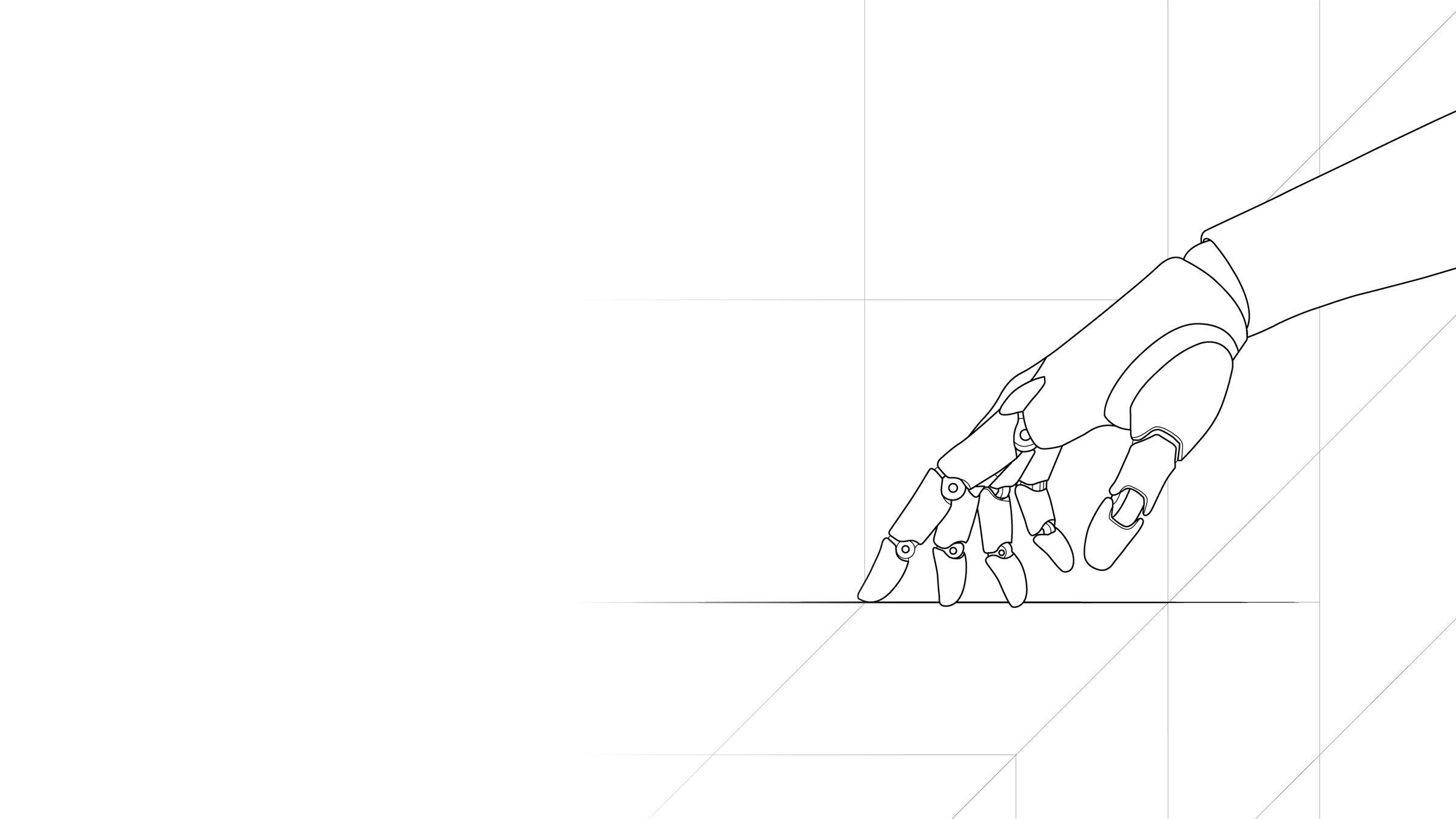
Official Project SuperDex artwork. Source: Project SuperDex, CC BY 4.0.
This post is the practical companion to my earlier first-look project note. Here I focus on what actually ran, how the code is organized, and what I would build next.
A Better Mental Model of the Repository
SuperDex is not one simulator executable. It is a stack with four public layers and one planned data-collection layer:
flowchart TD
    A["CAD / URDF / meshes"] --> B["SuperDex Studio<br/>author native assets"]
    B --> C["SuperDex Robotics<br/>bots, sensors, actuators, JSC / OSC / IK"]
    C --> D["SuperDex Physics (Mochi)<br/>rigid + deformable implicit simulation"]
    D --> E["SuperDex Lab<br/>Gymnasium MDP and vectorization"]
    E --> F["Ray/RLlib or another RL stack"]
    G["SuperDex Teleop<br/>planned Q4 2026"] -. demonstrations .-> E
- Physics is the C++ simulation core, exposed through Python. The underlying/earlier engineering name “Mochi” remains visible in classes such as
MochiEnvand in.mochi.h5,.mochi_scene, and.mochi_prefabasset formats. - Robotics adds robot composition, controllers, sensors, and actuators.
- Studio is the desktop asset and scene authoring tool.
- Lab turns a simulation into an MDP and provides Gymnasium/RLlib-facing infrastructure.
This separation explains an initially confusing point: opening a robot-control demo does not imply that an RL task exists for it. Robotics can run a controller loop without observations, rewards, episode termination, or a policy.
Experiment 1: The DG5F Dexterous Hand
The smallest hand example loads a right DG5F long hand, welds its palm to the world, and drives four non-thumb knuckles with a joint-space PD controller. It is deliberately simple. Each target angle follows a phase-shifted sine wave between 0 and 60 degrees with a two-second period. The controller uses position gain (k_p=3.0), damping gain (k_d=0.2), and a 2 Nm torque saturation.
SUPERDEX_ASSETS_PATH="$PWD/assets" \
uv run --no-project python \
superdex_robotics/examples/control/example_jsc_control.py
The important code path is:
target_pose[knuckle_dof] = sweep_mid + sweep_amplitude * np.sin(...)
tau = jsc.compute_output(
    observation,
    robotics.ControllerBasicJscPdTarget(target_pose=target_pose),
)
bot_actor.set_external_forces_on_dofs(dof_indices, tau)
scene.step(time_step)
There is no reward function here. This is a deterministic reference trajectory followed by a PD controller. A richer example combines an FR3 arm with a DG5F short hand: OSC makes the wrist trace a circle while JSC waves the fingers. The two full-size torque vectors are masked and added so the arm and hand controllers do not fight over the same DoFs.
The asset tree is broader than the examples suggest. It includes left/right Allegro Hand V5, several DG5F long/short and SEED-tip variants, Oculus XR hands, and Wuji Hand 2 beta assets. What is missing is not embodiment geometry; it is a ready-to-train public manipulation task with an object, observations, reward shaping, reset randomization, and success criteria.
Experiment 2: A Real FEM Soft Body
The soft-duck example is not a rigid mesh with a squash animation. It loads a tetrahedral simulation mesh and creates a soft actor. The duck falls under gravity, collides with a rigid plane, deforms, and rebounds. The example advances at (1/60) s using SuperDex’s fully implicit integration. The repository comments note that implicit stepping is intended to tolerate much larger stable steps than explicit or semi-implicit approaches in stiff, contact-rich systems.
SUPERDEX_ASSETS_PATH="$PWD/superdex_physics/assets" \
uv run --no-project python \
superdex_physics/examples/example_soft_duck.py
The adjacent examples reveal the actual multiphysics scope:
| Example | Model |
|---|---|
| Soft duck | Volumetric tetrahedral FEM soft body |
| Soft duck with visual mesh | Coarse simulation mesh embedded in a finer render mesh |
| T-shirt on plane | Experimental shell/cloth actor with point-cloud self-contact |
| Mass on rod spring | Elastic rod coupled to a rigid mass |
| Tendon comparison | Rod, spatial tendon, and linear transmission models |
| Soft-skinned double pendulum | Articulation coupled to a tetrahedral soft part |
The T-shirt demo is particularly useful because it exercises shell material conversion and self-contact, rather than only soft–rigid collision.
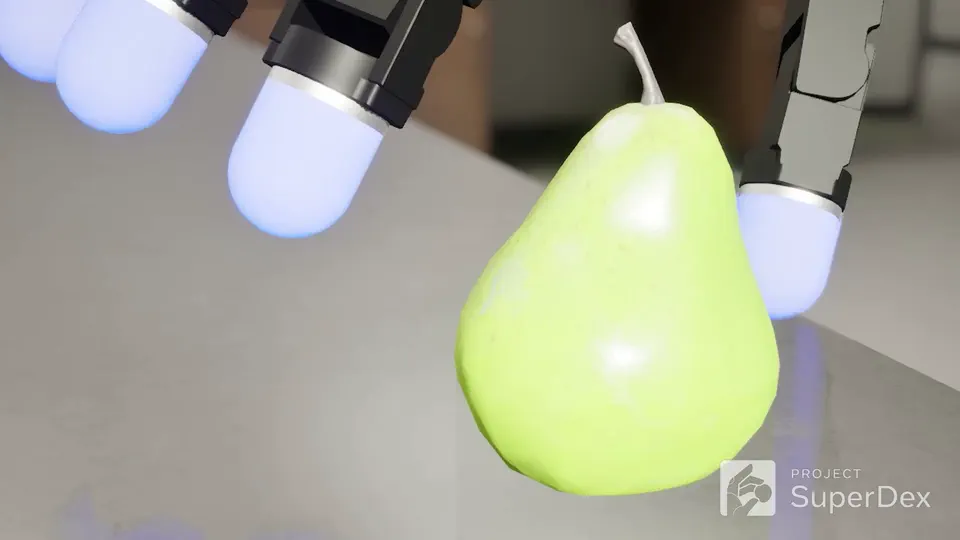
Official contact-visualization frame. Source: Project SuperDex, CC BY 4.0.
Experiment 3: Where Reward Actually Lives
Reinforcement learning starts in SuperDex Lab, not in the JSC or OSC examples. A task subclasses MochiEnv and implements four pieces of task logic:
_simulate(action)applies the structured action and advances physics._make_observation()reads state and produces observation plus auxiliaryinfo._compute_reward_terms()returns a dictionary of named reward components._check_stop_criteria()sets termination or truncation conditions.
The base step() method sums the reward dictionary and also exposes each term through info:
reward_terms = self._compute_reward_terms(action, observation, info)
reward = sum(reward_terms.values())
info = {**info, **{f"reward_{k}": v for k, v in reward_terms.items()}}
CartPole returns one point while the pole stays within its upright threshold. HalfCheetah combines forward velocity with a quadratic control penalty. Ant adds forward motion, survival, control, and contact-force terms. This decomposition is convenient for logging and reward debugging.
For a dexterous object task, I would retain the same structure but add terms for object position/orientation error, stable multi-finger contact, lift height, action smoothness, success bonus, and drop penalty. The hard part is not writing the dictionary; it is defining observations and resets that make contact exploration learnable while keeping the reward physically meaningful.
How Multiple Workers and Environments Fit Together
SuperDex’s HybridVectorEnv combines process-level and sequential vectorization. With nine environments and three environments per worker, the topology is:
flowchart TD
    A["Learner / main process"] --> W1["Async worker 1"]
    A --> W2["Async worker 2"]
    A --> W3["Async worker 3"]
    W1 --> E1["Sync envs 1–3<br/>stepped sequentially"]
    W2 --> E2["Sync envs 4–6<br/>stepped sequentially"]
    W3 --> E3["Sync envs 7–9<br/>stepped sequentially"]
    E1 --> S1["Shared scene + per-env snapshots"]
    E2 --> S2["Shared scene + per-env snapshots"]
    E3 --> S3["Shared scene + per-env snapshots"]
The outer AsyncVectorEnv gives parallel worker processes. Inside each process, a SyncVectorEnv steps several environments sequentially, reducing inter-process communication. When scene sharing is enabled, those logical environments reuse the same physical scene and swap captured state snapshots before stepping. They share the expensive scene representation, not one uncontrolled episode state. This optimization depends on sequential stepping; it would be unsafe if two logical environments mutated the shared scene concurrently.
Ray/RLlib sits above this mechanism for distributed sampling and learning. Ray officially provides macOS arm64 wheels for Python 3.12, but pip install superdex does not install Ray in the environment I tested. The SuperDex 1.0 setup guide pins the app dependencies separately:
uv pip install torch==2.7.1 \
  --extra-index-url https://download.pytorch.org/whl/cpu
uv pip install "ray[rllib]==2.49.0" moviepy "pillow>=10.1" tensorboard

cd superdex_lab/apps/rllib
uv run --no-project python train_samples.py \
  --pattern "cart_pole" --num_env_runners 4
On a laptop, I would use a few CPU environment runners for development and visualization, then move large experiments to a Linux workstation or cluster. Ray’s own documentation lists Apple Silicon local support but notes that multi-node clusters on macOS are untested.
The macOS Setup Detail That Cost Me Time
The prebuilt stack works on Apple Silicon, but the current release is strict about Python 3.12. Running examples from the cloned repository with wheel-installed packages also requires uv run --no-project; without it, uv tries to resolve/build the repository workspace instead of simply using the installed wheels.
There are two asset roots:
- Robotics and Lab examples use
project_superdex/assets. - Physics examples ship their own assets under
project_superdex/superdex_physics/assets.
If SUPERDEX_ASSETS_PATH is left pointing at the root assets, the soft duck fails with Could not resolve asset duck/duck_1899.mochi.h5. The file exists; the resolver has simply been forced to search the wrong distribution. The robust approach is to set the asset root per command, as shown above, or clear both overrides before relying on automatic script-relative discovery:
unset SUPERDEX_ASSETS_PATH
unset MOCHI_ASSETS_PATH
This is a small packaging/documentation footgun rather than a physics failure, but it is exactly the kind of detail that determines whether a first experiment feels smooth.
What I Think After Running It
SuperDex’s strongest public result today is coherence. I can move from a robot asset, to JSC/OSC control, to an implicit soft-body example, to a Gymnasium environment abstraction without switching projects. The Physics Debugger makes contact and deformation inspectable, and the C++ core/Python surface is pleasant for experimentation.
Its biggest gap is equally coherent: the public learning examples do not yet exercise the capability that makes the simulator special. CartPole, HalfCheetah, and Ant validate the RL plumbing, but they do not demonstrate that dense compliant contact or deformable fingertips improve dexterous policy learning. The hand demos validate controllers and assets, while the Gallery validates the team’s internal/teleoperation pipeline; a reproducible public dexterous RL benchmark is the missing bridge.
My next useful experiment would therefore be intentionally small: attach the DG5F hand to a fixed wrist, place one rigid object in the palm, define a pose-tracking reward plus a drop condition, and first train only a subset of finger joints. Once that works, add randomized object geometry, contact observations, and parallel scene sharing. That would test the distinctive parts of SuperDex without immediately taking on full arm–hand exploration.
Takeaway
On Apple Silicon, SuperDex is already usable as a local contact-rich robotics laboratory. The dexterous-hand controller and FEM soft-body examples run and are readable enough to modify. Lab has the right extension points for RL and a thoughtful CPU vectorization design. But the current release should be understood as a capable foundation and early learning preview, not a turnkey dexterous-policy benchmark suite.
My compact taxonomy after using it is:
Implicit Contact-First Multiphysics Engine / Dexterous Robotics SDK / Early Gymnasium–RLlib Research Stack